
Beroun is an operating environment built around its AI assistant. Apps are web pages described by one manifest. A shell daemon owns the system API, a service manager keeps backends within a memory budget, and Caroline, the assistant, is a privileged part of the system that can use every call an app can.
Where to start
I want to write an app
The manifest, saved state, the Platform API and a complete example.
Apps →I want Caroline to use my app
Tools, skills and agents, and how they reach A2A.
Agents & A2A →I need a dialog, a sound or a second screen
MessageBox, sounds, vibration, notifications, the external display.
System API →I want to build a game
Ferret, the game engine for Beroun and browsers: characters, levels, UI, networking and realistic physics.
Ferret engine →I want to understand the system
Layers, processes, data and the principles behind them.
Architecture →I want to publish
Package rules, signatures, install and update.
Store & packages →I want to bring Beroun to a platform
The interfaces a device, a simulator or a phone supplies.
Targets →What it looks like
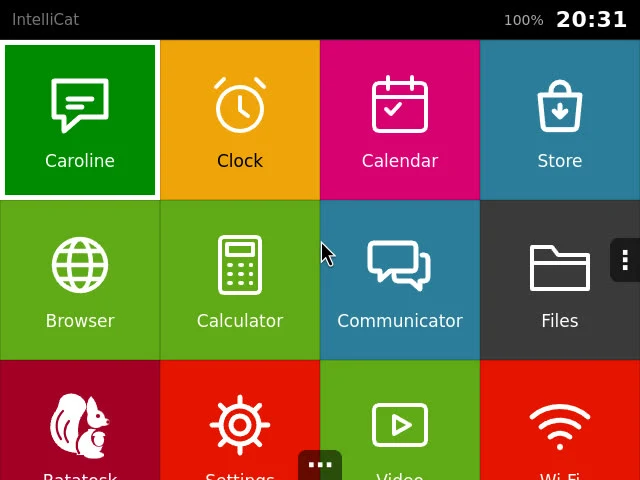
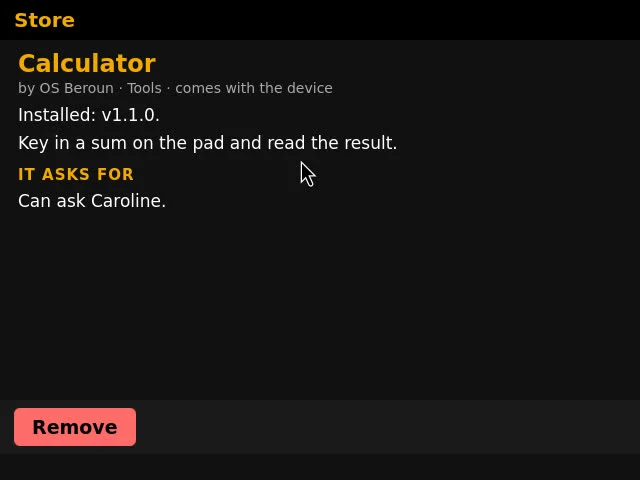
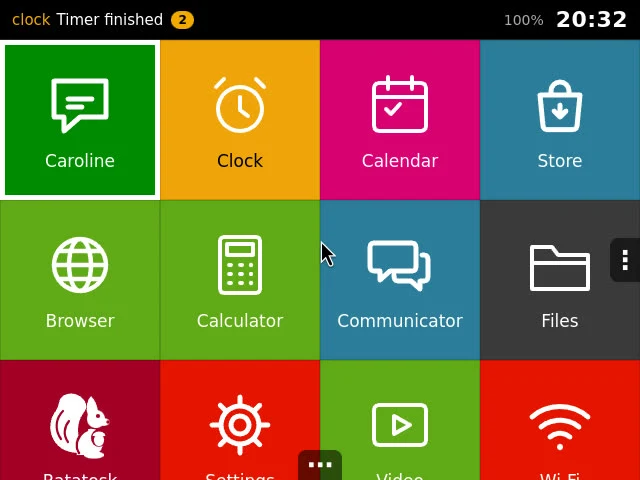
The whole interface is designed for a 640×480 screen, a D-pad, two action buttons and a finger. These are real screens of the system.
An app in three files
An app is a folder. This one is a complete Beroun app with a tile on the launcher, a window, saved state and a tool Caroline can call.
apps/hello/manifest.jsonThe third file is icon.svg, the tile's picture. Put the folder in apps/, start the simulator, and the tile is on the launcher. Say "open Hello and tell me the count" to Caroline and she opens it and calls the tool. The app model in full →
Facts at a glance
| Window system | Weston 14 (Wayland), desktop shell |
|---|---|
| Interface engine | WPE WebKit 2.52 with libwpe, wpebackend-fdo and cog |
| Shell daemon | Python, one HTTP server with a WebSocket channel for input |
| App format | One manifest, format 1; apps, services, agents and system views share it |
| Interface | 640×480, D-pad, A and B, touch; 22 interface languages |
| Agents | Declared in the manifest, tasks with a life cycle, A2A 1.0 in and out |
| Packages | Signed zips, Ed25519, verified file by file |
| Memory | A budget for the whole system, compressed swap, priorities for services |