
A Beroun app is a folder with a manifest.json. The page is plain HTML, CSS and JavaScript, the manifest says what the app needs, and the system supplies the window, the saved state, the services, the dialogs, and the way for Caroline to drive it.
What an app is
The apps that ship with the system live in apps/<id>/ and are served at /apps/<id>/…; apps installed from the store live in the apps directory. The system's own views (Caroline's chat, her voice view, the first-run wizard) use the same format in system/<id>/view.json. They are never apps and can't be moved or removed.
| Kind | How it runs |
|---|---|
Web app, shared window "window": "shared" | Its page is shown in the launcher's web view, one at a time. It keeps its state. This is what most apps are |
| Web app, own window (the default) | A web view of its own |
Native native.cmd | A program of its own, such as the Browser |
Hidden tile.hidden | Launched by the system with no tile |
Any app may also declare services, endpoints, a big page for an external display, permissions, capabilities, a caroline section and agents.
The manifest
This is a real manifest: the Calendar, with a background service, an endpoint and tools for Caroline.
apps/calendar/manifest.json| Field | Meaning |
|---|---|
format | Always 1 |
id, name, version, icon | The folder name (lowercase, digits, -), the title on the tile, x.y.z, the tile's picture |
frontend | entry (a file of the app) or url; window: shared or own; optionally microphone and transparent |
native | Instead of frontend: {"cmd": [...]}. Exactly one of the two |
tile | order (smaller is earlier) and hidden |
state | The state contract. A shared-window frontend must set it to true and use Platform.state; the checker verifies it |
opens | File types the app opens when the file manager chooses a file: ["txt"] |
services, endpoints | Backends that outlive the window, and the paths the shell passes through to them (Services) |
caroline | How the assistant drives the app: description, skills, mcp, tools |
agents | Specialists the app publishes (Agents & A2A) |
external | A big page for an external display (System API) |
permissions | What the app may ask of the system: caroline.ask, apps.manage, account.session. The manifest is the approval |
capabilities | Which device features it uses: Camera, Microphone, GPS, Bluetooth, NFC, Notification, FileStorage, CloudStorage, Network, ExternalDisplay. Mark one "scope": {"required": true} and the store won't offer the app on a device without it |
beroun | The lowest OS version the app needs. Required in store packages |
system | true for system apps: the store can only update them, never remove them |
Unknown fields are errors. There are no "extra" keys to try: if a field isn't in the format, the shell refuses the manifest and the manifest test fails.
The state contract
A shared-window app sets "state": true, uses Platform.state and Platform.onClose, and comes back to the same place when it is opened again: the open file, the folder, the conversation, the scroll position. It must save before calling Platform.exit(), because closing is immediate.
onClose has about two seconds. A page that is still busy then is closed anyway, so save small and save early. If an app is covered by another (an external display's big page, for instance), Platform.onSuspend gets the same two seconds.
The Platform API
Every page includes <script src="/platform.js">. It gives the page the whole system through one object.
| Area | Calls |
|---|---|
| Lifecycle | Platform.state.get()/set(obj), Platform.onClose(fn), Platform.exit() |
| Translation | Platform.t(key, {placeholders}), one key per phrase in every language file |
| Dialogs and signals | Platform.messageBox(opts), Platform.notify(text, opts), Platform.sound.play(name), Platform.vibra.pulse(pattern) |
| Notifications | Platform.notifications and .on(fn) |
| External display | Platform.display.* |
| Caroline | Platform.tools.handle(name, fn) answers her tool calls; with caroline.ask an app may ask her something (POST /api/caroline/ask) |
| Agents | Platform.sw.call(command, params, agent?): an agent's call of the owner's Camerlengo service through the shell |
| Files | Platform.files.* over /api/fs/*, the memory card only |
The full reference for these calls is on the System API page.
The logical input model
The interface is driven by a gamepad-style input set plus touch: a D-pad, sticks, A B X Y, L1 L2 R1 R2, START SELECT, MODE and POWER. How a physical control produces a logical button is the platform's business; apps only see these.
- Free for apps: the cursor (D-pad), A (Enter) and B (Escape or back; at the top level of an app it leaves the app).
- The system's: MODE always leaves the app. L1/L2 are volume. POWER sleeps on a short press and powers off on a long one. R2 opens Caroline's voice dialogue. No app sees these.
- Reserved: X, Y, R1, START and SELECT have no job in any app. SELECT moves the focus between screens when an external display is connected.
- With the on-screen keyboard open, B deletes a character while the field has text. On an empty field it reaches the page as Escape, so treat Escape in a field as "leave the field", then "back". Y hides the keyboard.
- Left and Right page through long lists where a screen has no other use for them. A finger drag scrolls everywhere.
Design every screen as a list or a set of buttons the cursor moves between and A activates. Where you might reach for a shortcut key, make a menu.
The apps that ship with Beroun
| App | Notes |
|---|---|
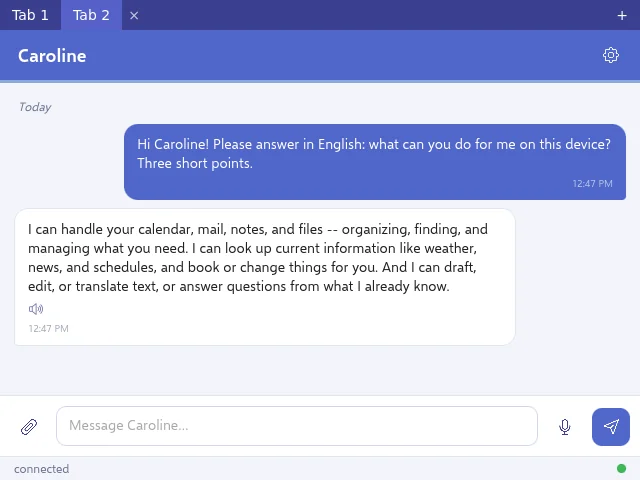
| Caroline | The first tile: her text chat. Part of the system |
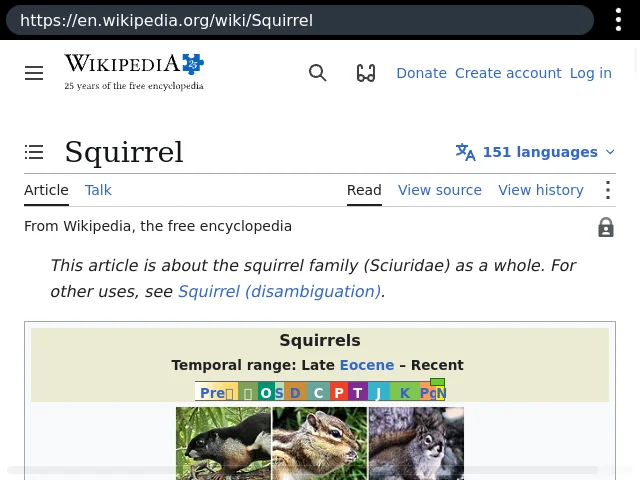
| Browser (system) | Native browser on WPE with tabs |
| Settings (system) | Network, accounts (the owner's and Caroline's), date and time, do not disturb, vibration, automatic app updates, agents, About |
| Wi-Fi (system) | Scan and connect through the network interface |
| Ratatosk (system) | An end-to-end encrypted messenger with groups, attachments and audio/video calls |
| Store (system) | Install, update and remove apps |
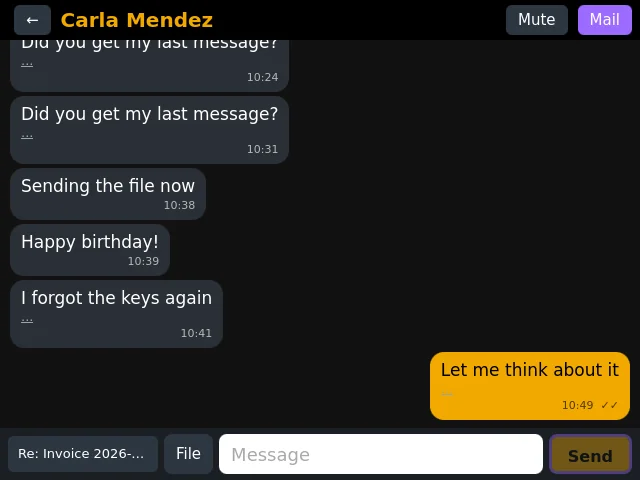
| Communicator | Mail, WhatsApp, Telegram, Signal and Slack in one style |
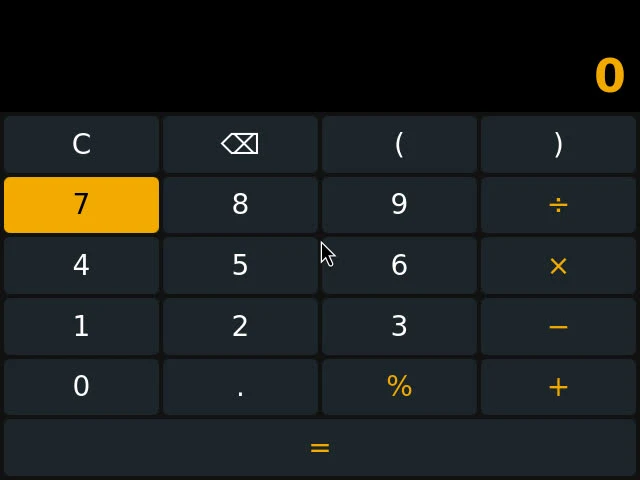
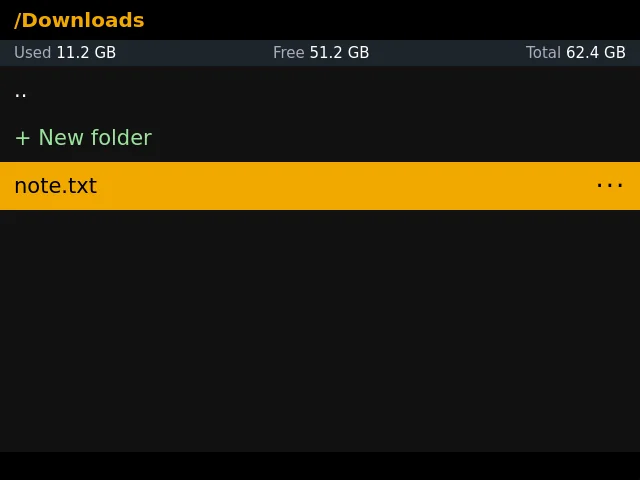
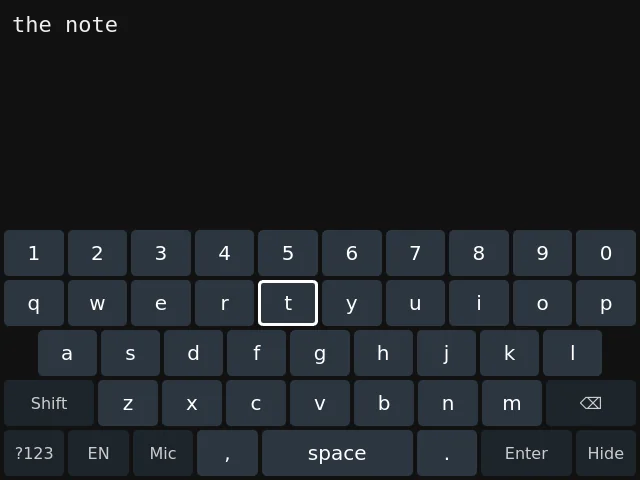
| Files, Notepad, Calculator | File manager (opens maps file types to apps), plain-text notes, calculator |
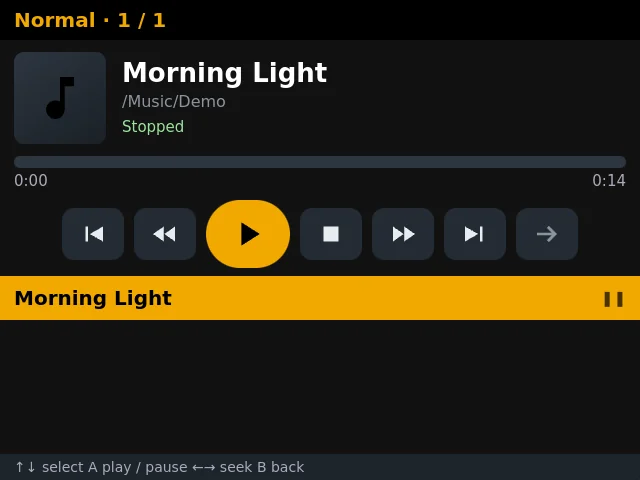
| Music, Video | Players that remember their place |
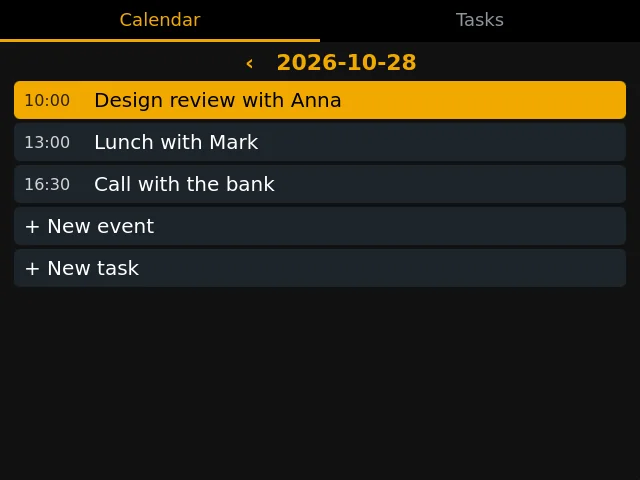
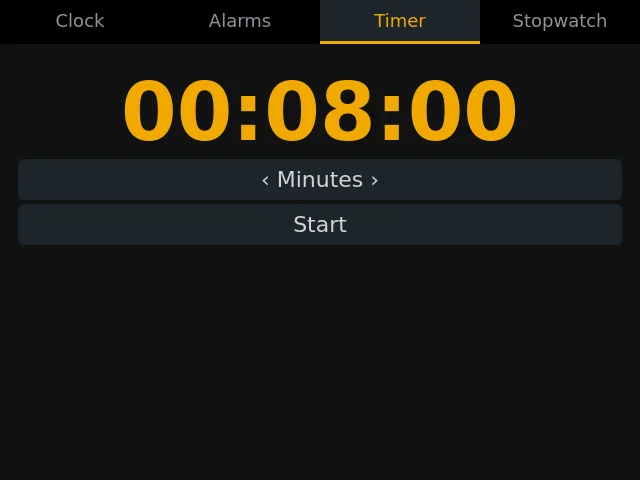
| Calendar, Clock | Services that ring in sleep |
| Games and Minecraft | Knights & Ladies, Pirates, Quidditch; a client of the cloud Minecraft |
System apps can be updated by the store but never removed. Apps that ship with the system without that flag are preinstalled: the store can hide and restore them, and their data stays. Everything else is from the store.
Caroline drives apps
An app's caroline section turns it into a group of tools for the assistant, named app-<id>.
| Key | What it gives her |
|---|---|
description | Required. One line for her list of groups |
tools | Page tools, answered by Platform.tools.handle(name, fn). The app is opened first when she calls one |
skills | Folders with a SKILL.md that join her skill catalog: instructions for using the app well |
mcp | MCP servers of the app (stdio or http); {app} and {port} are filled in |
An app without the section is still reachable: Caroline has a group of system tools (beroun_*) that can list, open and close apps, read a page, press a key and type text in any app.
Every page also answers dom_text, dom_tree, dom_click, dom_type and dom_key, which is how she reads, presses and types in an app that declares nothing.
Writing a new app
Create the folder. apps/<id>/ with manifest.json, index.html and icon.svg. Set tile.order. Include /platform.js.
Save and restore state with Platform.state. Use only the cursor, A and B.
Use the system's dialogs. Platform.messageBox, notify and sound instead of your own, and every visible phrase through Platform.t.
Declare only what you use. permissions, capabilities (mark the required ones), and beroun, the lowest OS version.
Give Caroline a way in. A caroline section, at least a description, so she can drive the app.
Check it. Run the manifest test and the app's own test. To distribute, see Store & packages.